Make your Student flyer
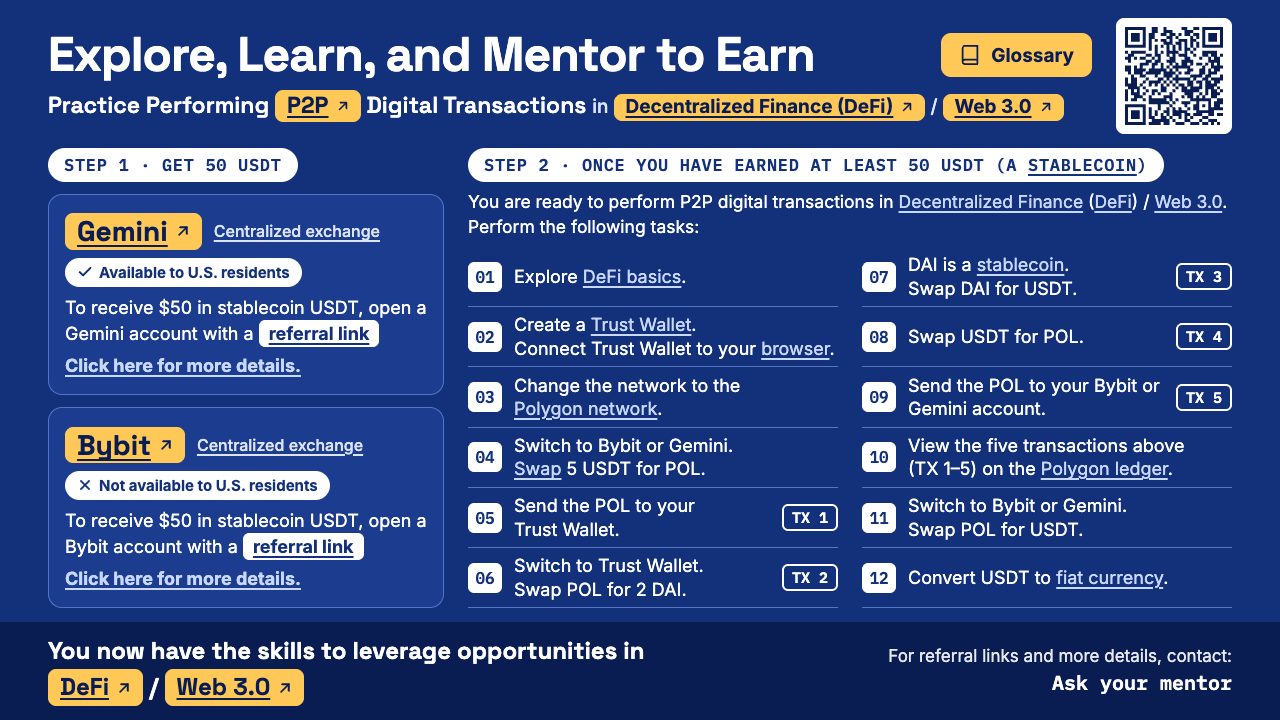
Put your contact and your referral codes on the Student flyer. You sign them with your enrolled Trust Wallet, so students can see that a member made the flyer. Your browser makes the flyer; nothing you type is sent anywhere.
For enrolled mentors
Connect the Trust Wallet you enrolled with. The flyer form opens once this page has checked that it is an enrolled mentor wallet.
Stay safe
Never share your wallet recovery phrase. Be careful with any offer that promises guaranteed returns.